

Free AI Pixel Generator for Retro 8-Bit Art

Turn text prompts or photos into crisp 8-bit pixel art. Free to try, no sign-up needed—make game sprites, retro avatars and icons in seconds.

Free to startNo sign-upText & photo inputsGame-ready sprites
0+

Pixel creators

0+

Pixel images generated

8-bit pixel avatar generated from the selfie
After
Original selfie photo before pixel conversion
Before

Photo to pixel avatar

Before/after from a regular selfie to a clean 8-bit pixel avatar on transparent background

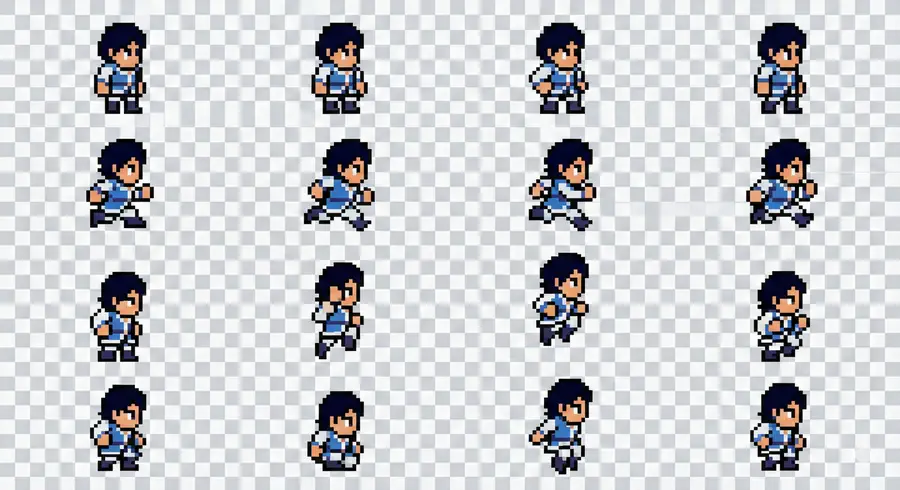
Pixel game character sprite sheet on transparent background

Side-view game sprite

Pixel hero sprite sheet with idle, run and jump frames ready for 2D games

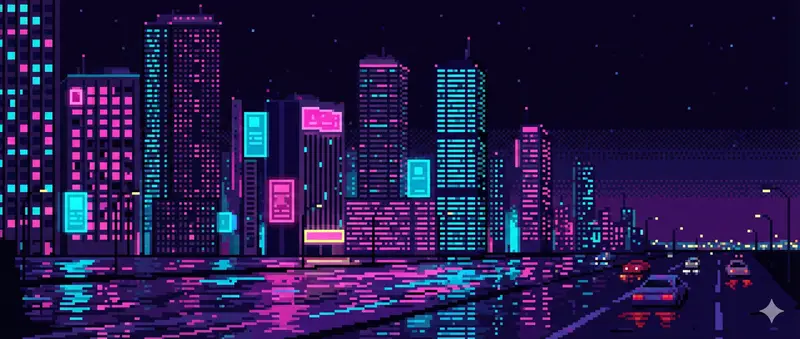
16-bit pixel art city skyline at night

Retro city skyline

Neon city at night rendered as 16-bit pixel art with crisp blocks and limited palette

*Style

Choose the visual style for your output

Tap to pick a style. Your current selection preview appears in the tile.

Click to upload an image (max 4MB)

Supported formats: JPG, PNG, WEBP, JPEG

Benefits

Why Choose Our Free AI Pixel Generator by AI Cartoon Generator

Instead of digging through generic asset packs or learning a full pixel editor from scratch, this tool gives you a quick way to turn prompts and photos into crisp 8-bit and 16-bit art. Whether you’re prototyping a game, refreshing your avatar or adding a retro accent to a page, you can go from idea to usable pixel graphics in seconds — without hunting for licences, resizing sprites or redrawing the same character over and over.

Faster from idea to pixel art
Skip the asset stores and random Google searches. Type a few words or drop in a rough reference, and you’ll get game-style sprites, tiles or avatars back in seconds. That means you can stay in the flow of designing levels, writing your story or planning your launch page while the tool quietly handles the pixels, instead of losing momentum downloading, importing and cleaning up mismatched art from different places.
Faster from idea to pixel art
Game-style visuals without a pixel artist
Give your prototype, itch.io page or profile a cohesive retro look even if you’ve never drawn a sprite by hand. Simple, plain-language prompts are enough to get clean silhouettes, readable poses and a consistent 8-bit or 16-bit style that doesn’t clash with your UI. It’s an easy way to make characters, items and backgrounds feel intentional instead of thrown together, especially when you don’t have a dedicated pixel artist on the team — or when it’s not worth booking one for a tiny change.
Game-style visuals without a pixel artist
Free, low-risk experiments
You can try different palettes, camera angles and character ideas without worrying about long sign-up flows or committing to a big plan first. Test a few versions of the same hero, compare idle poses or avatar looks side by side and only keep what actually fits your game or brand. With a free, no-sign-up entry point, each session can be a low-pressure sandbox to explore styles, validate what works and gradually build a small library of pixel assets over time.
Free, low-risk pixel art experiments

Features

Features for the pixel jobs you do most

Whether you’re prototyping a game, refreshing your avatar or giving a page a retro accent, this generator focuses on three everyday jobs: making game-ready sprites and tiles, creating pixel avatars and stickers, and turning existing art into a clean, matching pixel set.

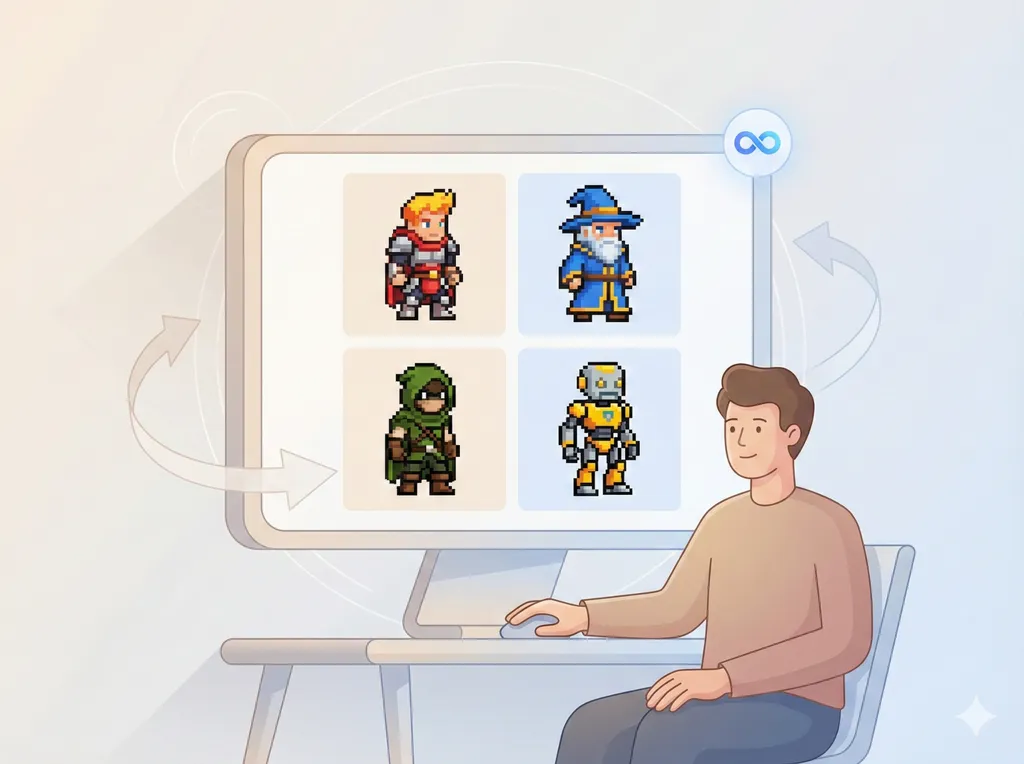
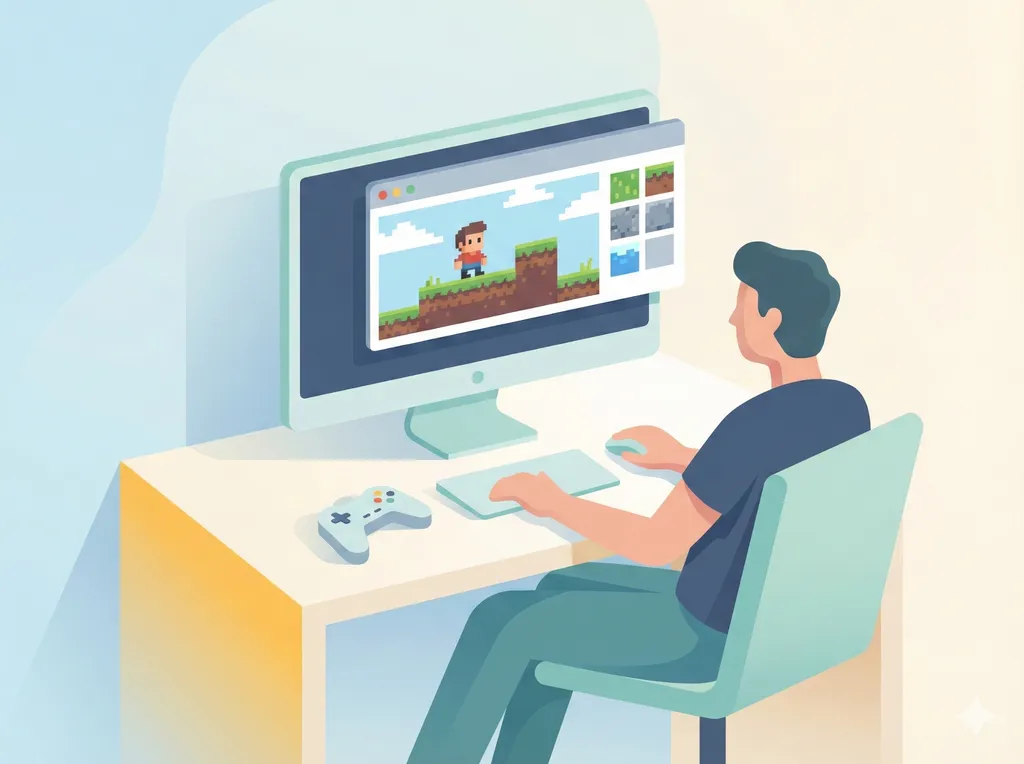
Game sprites and tiles for fast prototypes

Game sprites and tiles for fast prototypes

When you’re sketching a new game or level, you can turn a few plain-language prompts into playable pixels in seconds. Generate side-view characters, top-down tiles or simple props without leaving your editor, so you stay focused on mechanics and level flow instead of hunting for placeholder art or learning a full pixel tool.

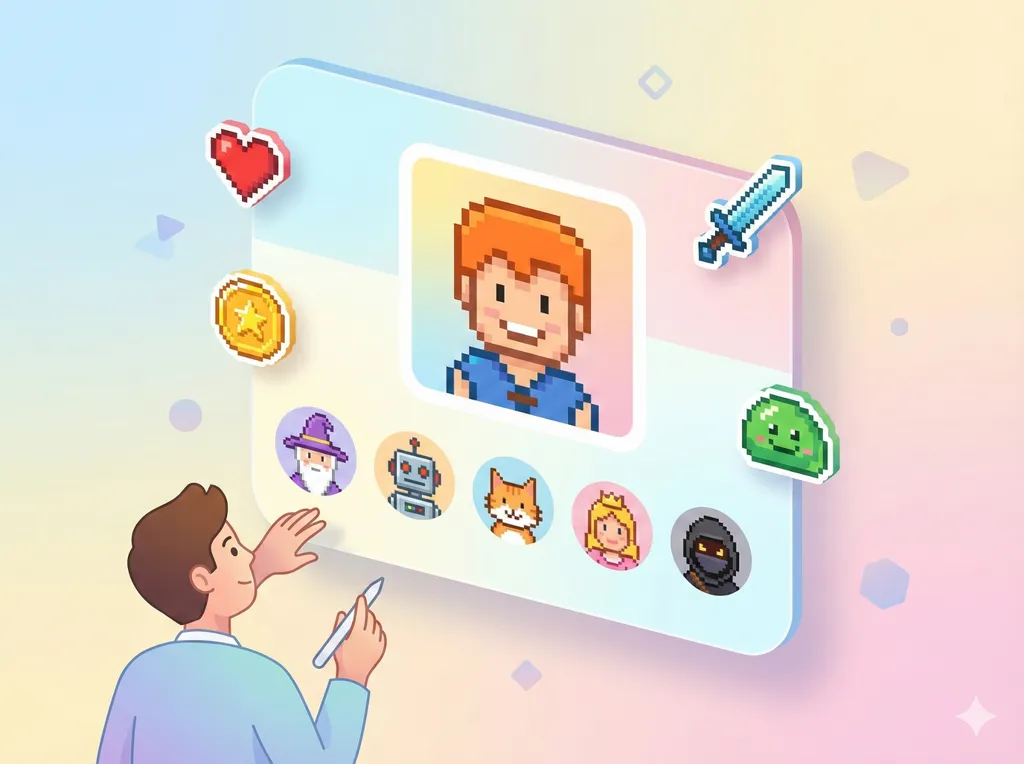
Pixel avatars, stickers and profile art

Pixel avatars, stickers and profile art

Upload a selfie or describe a character and get a crisp 8-bit or 16-bit avatar back, ready for chats, streams or community profiles. You can also spin up tiny stickers and emotes in the same style, so your social icons, server badges and bylines all share one consistent retro look without hiring a pixel artist.

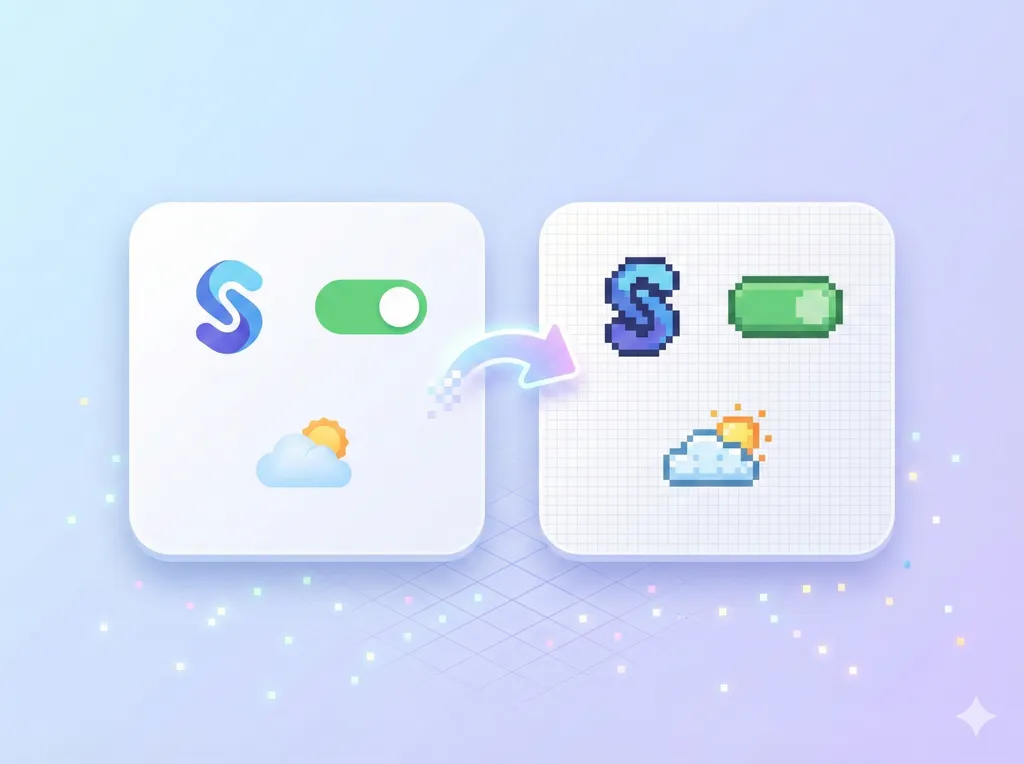
Turn existing art into a matching pixel set

Turn existing art into a matching pixel set

Drop in logos, UI mockups or simple illustrations and describe the pixel style you want—smaller grid, limited palette, or a specific 8-bit era. The generator converts them into clean, reusable pixel variants you can carry across menus, landing pages, store listings and docs, instead of manually redrawing every version by hand.

3 Simple Steps

How the Free AI Pixel Generator Works

Start with a simple idea or photo, let the tool turn it into 8-bit or 16-bit pixels, then pick the version you like. No accounts, no complex settings — just a short loop you can repeat as often as you need.

01Step 1
Describe or upload a reference

Describe or upload a reference

Type a short, plain-language prompt or drop in a photo as a reference. Clear subjects work best — for example, a front-view character, a logo or a simple scene — so the generator can translate it into readable pixel shapes.
02Step 2
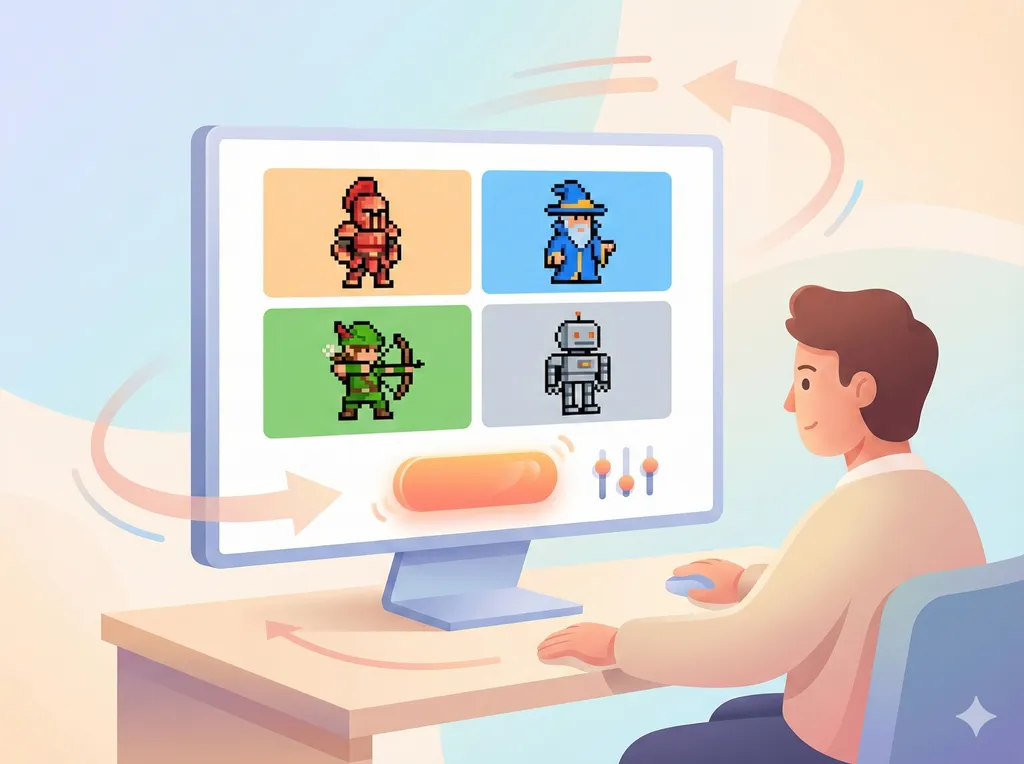
Generate pixel variations

Generate pixel variations

Hit generate and let the tool create several pixel versions from your input. You might see different poses, angles or levels of detail, all in a clean 8-bit or 16-bit style you can use for sprites, avatars or icons.

03Step 3
Pick, download and reuse

Pick, download and reuse

Choose the pixel image that fits best and download it as a ready-to-use file. If nothing feels right yet, tweak a few words or swap the reference photo and run the loop again — it’s free to experiment and refine.

FAQ

Frequently Asked Questions

Answers to common questions about pricing, usage, content rules and how we handle your prompts and images, so you know exactly what to expect before you start generating.

Ready to Generate Your First Image?

Type a simple prompt or drop in a photo and see what you can get in a few seconds — no account, no credit card, no design tools to learn.